Use the org chart to understand reporting lines, organisational structure, and vacant roles. It is useful for onboarding, talent planning, and keeping leadership structure up to date.
To view the organisational chart:
- In the sidebar, go to Organisation
- Access the Org Chart tab
- View the dynamically generated chart based on employee-manager relationships
- Filter by:
- Workplace
- Legal entity
- Hire date
- Legal gender
- You can click on any person to see more details

Any personnel changes (hires/terminations) update the chart in real time
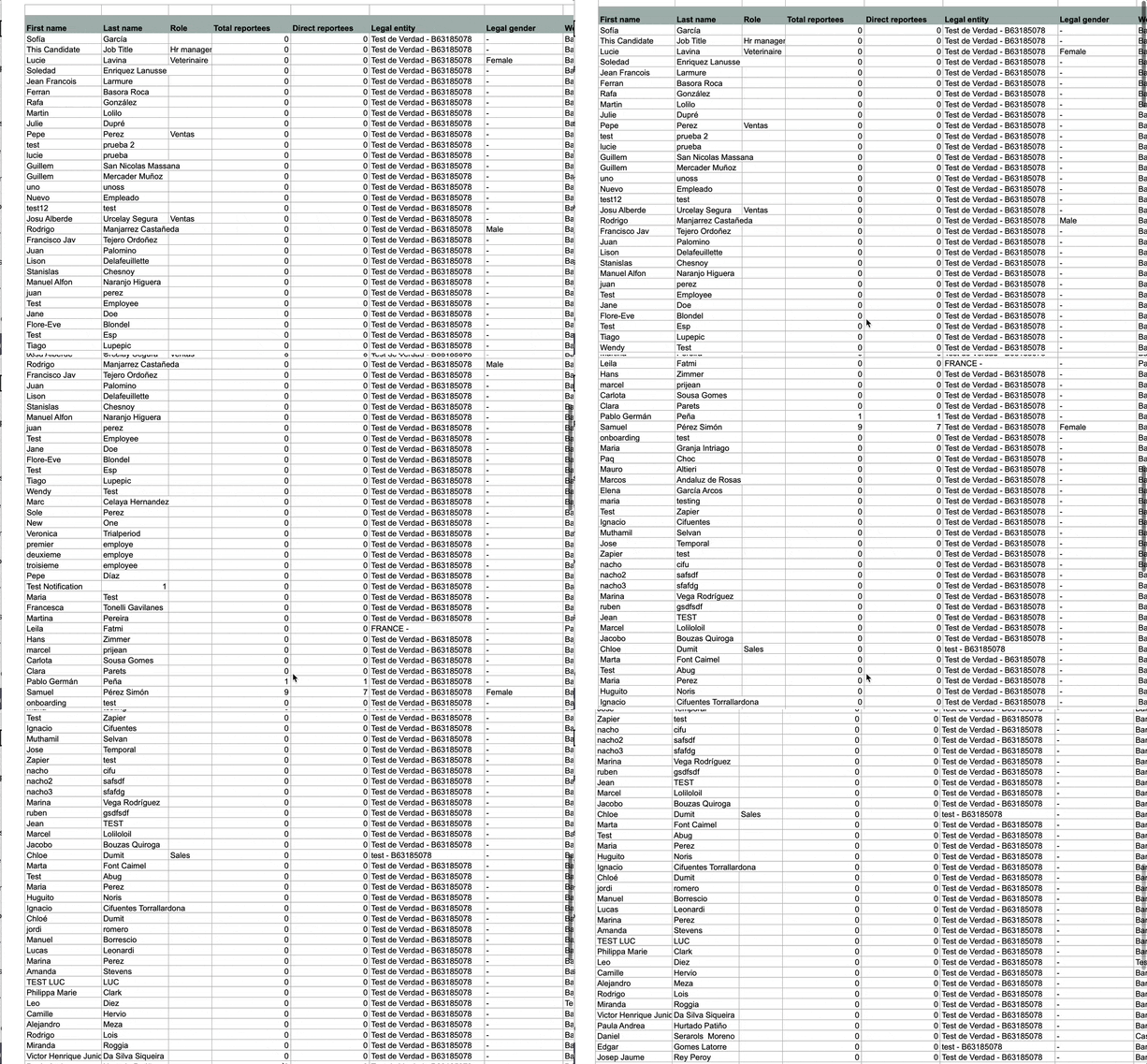
To export the organisational chart
- On your sidebar, click on Organisation
- Select Org Chart
- Press (...)
- Click Export org chart (xls)

You will be redirected to another page (xls. format) where you can visualize the organizational chart.