Purchase ACE (Apple Care Enterprise) warranties:
Apple Care Enterprise warranties are Apple's professional offer. To purchase these warranties, you must create a dedicated account, which will allow you to get an ‘Enrolment ID’ for your future warranty purchases.
Create an Apple Care Enterprise account (if you do not already have one)
You must have an Apple Business Account.
- Register on the website https://enterprise.apple.com/directEnroll
- Select ACE
- Fill in the requested information about your company
- Fill in the information about your purchasing contact
- Read and agree to the terms and conditions
- Register your Enrolment ID
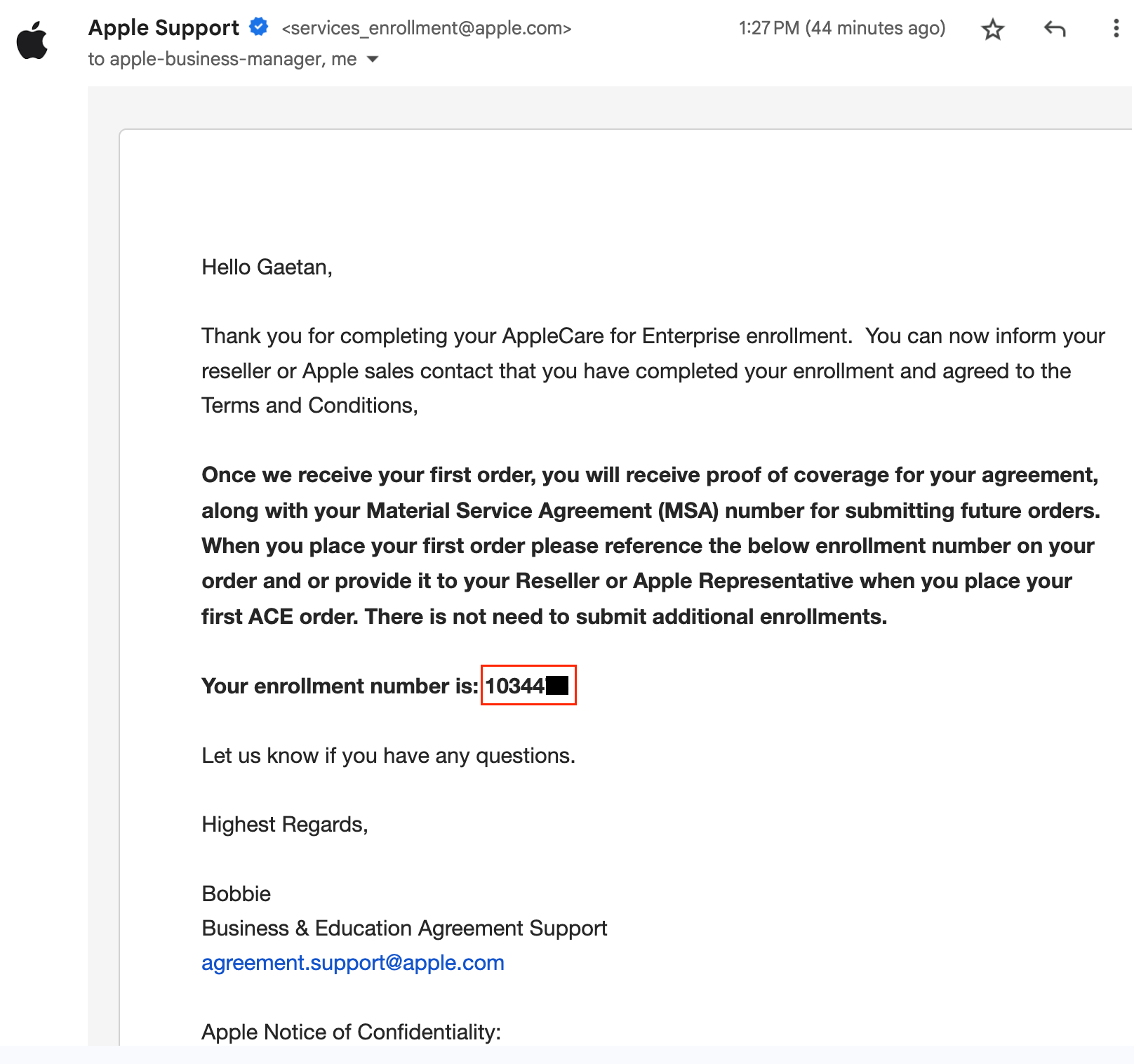
Here is an example of the email you will receive from Apple, containing your enrollment number, which you can provide when placing your order.
Example of an email from Apple
When placing your first order with Factorial IT
- When placing your first order with Factorial IT, select ‘Add a warranty’ and provide your ‘Enrolment ID’.
- For following orders, this Enrolment ID will be pre-filled and will need to be revalidated.
Once your first order has been activated, Apple will create an MSA (Master Service Agreement) allowing you to continue adding products to the contract.
How to open a support case with Apple Care Enterprise
- Access the console. https://enterprise.apple.com/
-
Get access to your company documents in the Agreement page
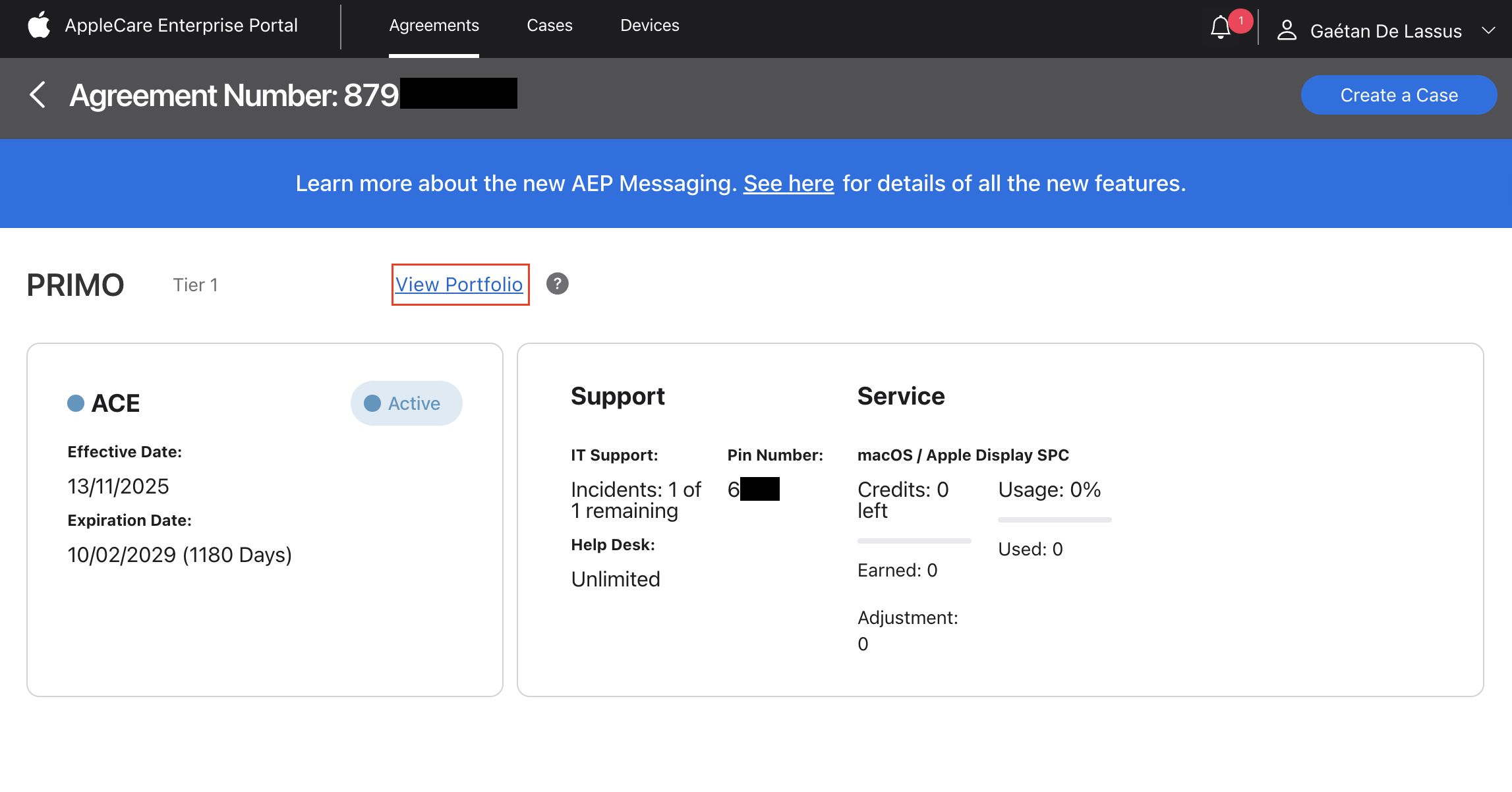
- Open a case
- Option 1: Your employee opens the case: You can share with employees or use (they will need to call the right number, and give the company PIN code).
- Option 2: You can open it yourself: Create a Case